
WordPress plugins, tested on a real site
We install every plugin on the same WordPress test site and measure what it adds: page weight, PHP memory, database tables and admin nags. Real installs, published numbers, free plans first.
Extra CSS + JS on a page that doesn’t use the plugin
 Fluent Forms0 KB
- Rank Math0 KB
- Complianz2.7 KB
- CartFlows276.1 KB
- Tutor LMS1187.2 KB
- GiveWP3692.2 KB
 Complianz
 CartFlows
 Tutor LMS
 GiveWP
- 120+ plugins measuredInstalled on our own test site
- Weight and memoryMeasured before and after activation
- Free plan firstWe say when you don’t need Pro
- No paid rankingsAffiliate links never change a score
The free plugins that earned a place on our test site
Scored on page weight (30%), server cost (20%), admin clutter (20%), WordPress.org rating (20%) and maintenance (10%). Pick a category to change the list.



































Gold buttons are affiliate links: we may earn a commission at no extra cost to you. It never changes the order. How we make money
Find the right plugin for the job
SEO
Schema, sitemaps and meta tags: what each SEO plugin really outputs on a live site.
Browse SEO pluginsBuilders & blocks
Block plugins, starter templates and how much each one weighs.
Browse buildersForms
Contact forms that don’t load scripts on every page.
Browse form pluginsEmail & SMTP
Get WordPress email delivered and send newsletters from your own site.
Browse email pluginsElementor add-ons
Free widget packs, measured on pages that don’t use them.
Browse add-onsWooCommerce
Checkout and funnel plugins, and what they add to the rest of your site.
Browse WooCommerceCRM & funnels
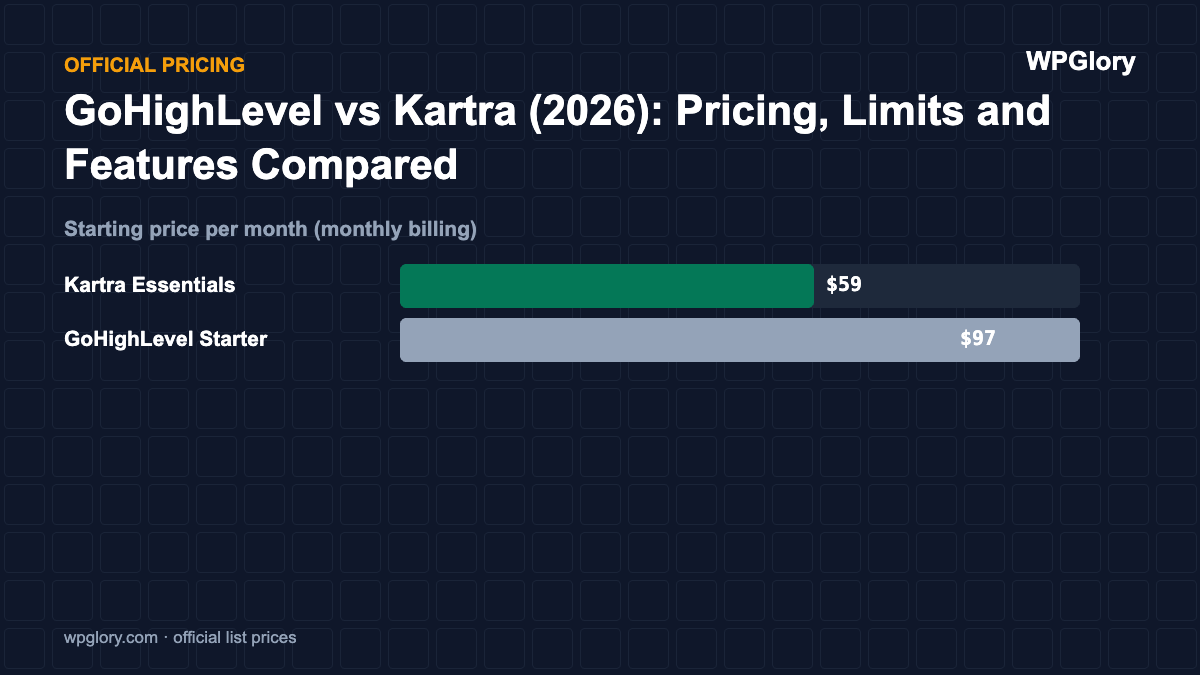
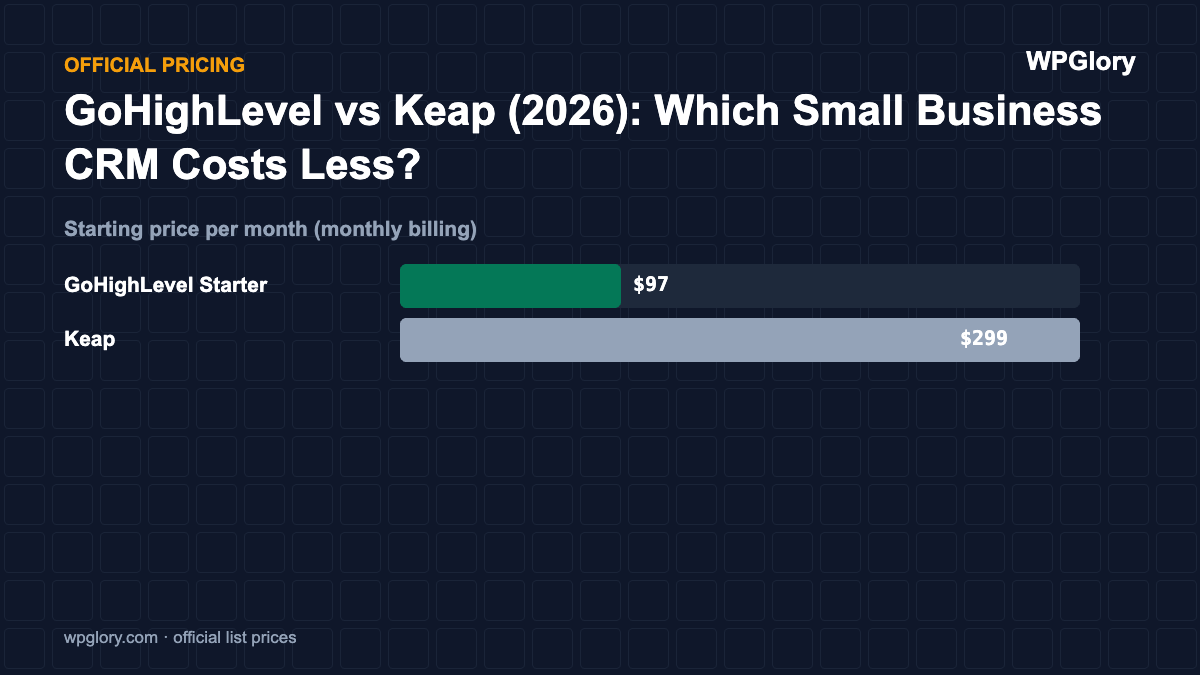
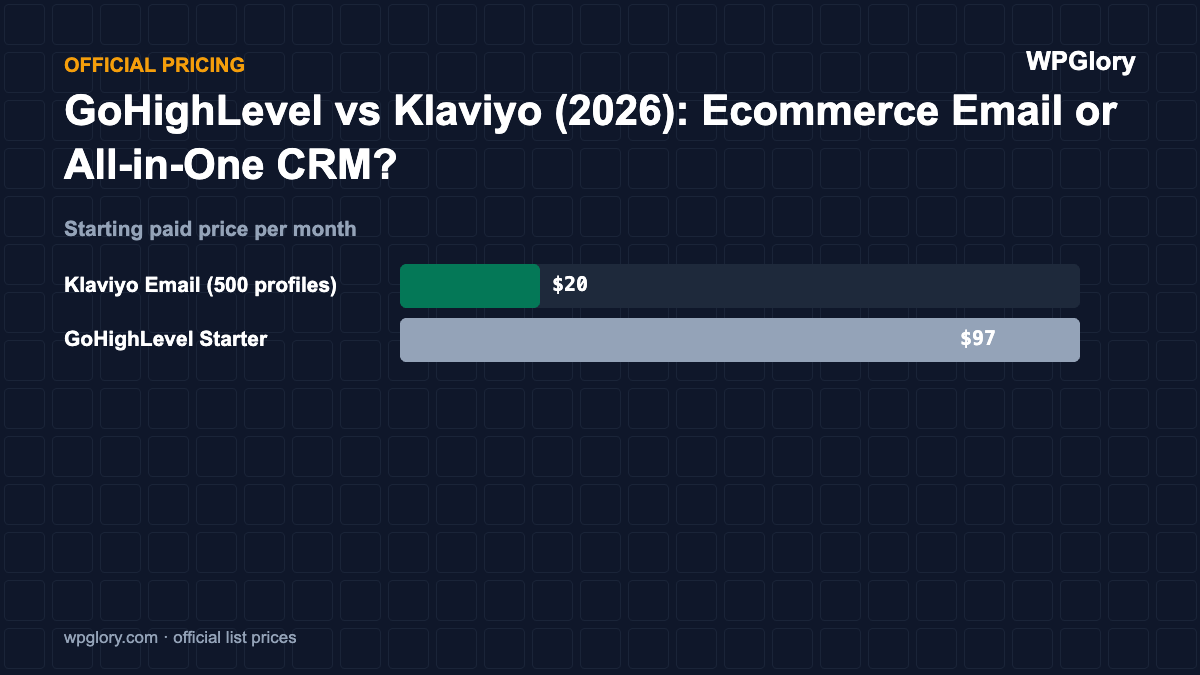
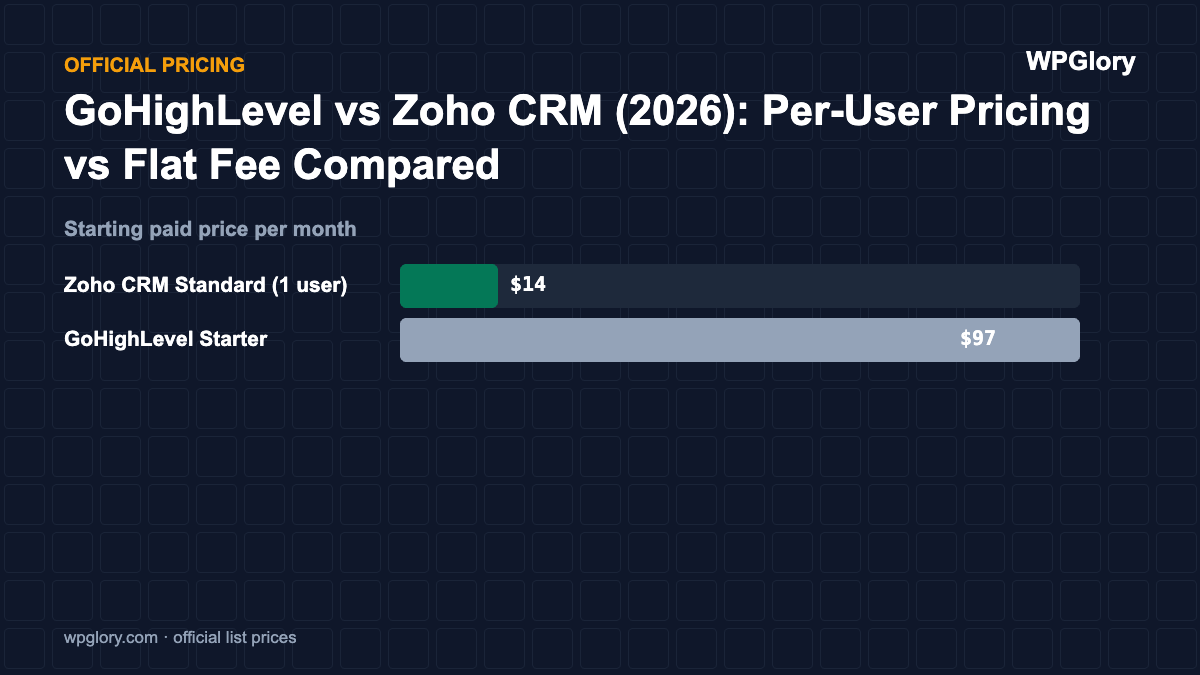
GoHighLevel and other CRMs compared on official pricing.
Browse CRM guidesAffiliate marketing
Link cloaking and affiliate tools for WordPress bloggers.
Browse affiliate toolsCaching & performance
Cache and image optimization plugins, timed on the same site.
Browse performance pluginsSecurity & anti-spam
Firewalls, login protection and spam filters, and what they cost.
Browse security pluginsBackups & migration
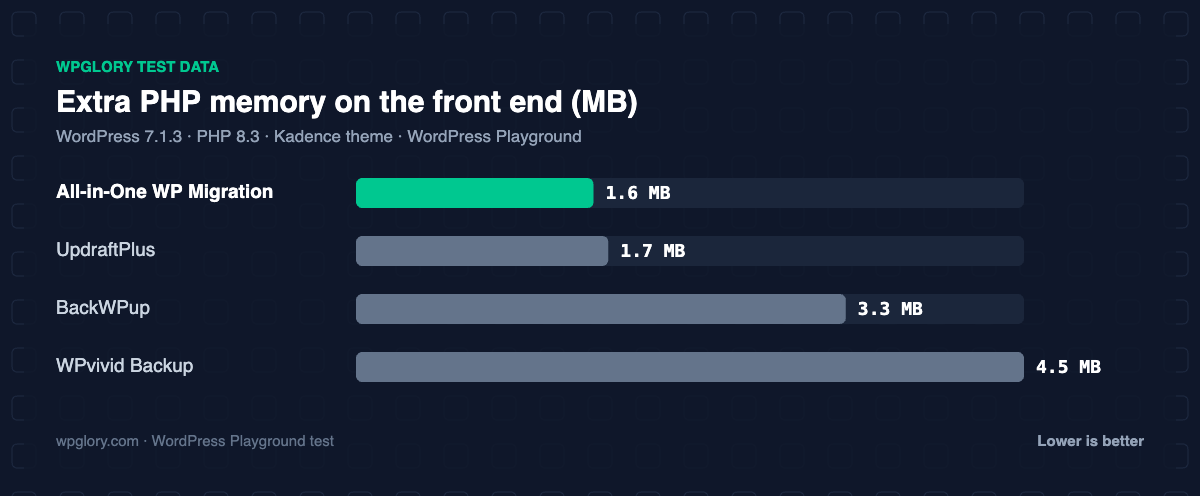
Backup plugins that restore cleanly, measured.
Browse backup pluginsDeveloper tools
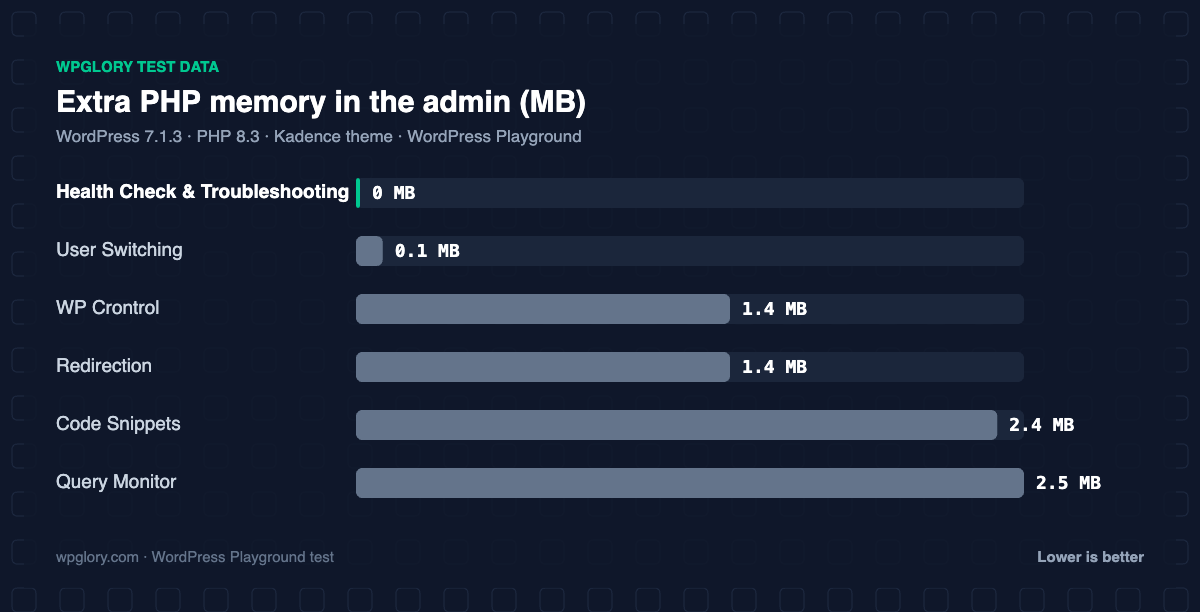
Debugging, snippets and cron tools for builders.
Browse developer toolsSame test site. Same page. Every plugin.
Some plugins load their CSS and JavaScript on every page, even pages that don’t use them. We activate each plugin on its own and count what it adds to a plain blog post.
- Logged-out visitor, uncompressed KB
- Lower is better; 0 KB means it loads nothing
Extra CSS + JS on a page that doesn’t use the plugin (lower is better)
Bar length = value ÷ largest value (GiveWP, 3692.2 KB). CartFlows measured with WooCommerce, MetForm with Elementor active. Every plugin was tested on its own, on a clean site.
vsvsRank Math vs Yoast vs AIOSEO
Three SEO plugins installed on the same test site, one at a time. Here is what each one added and where each one wins.
Read the comparison| Test | Rank Math | Yoast SEO | AIOSEO |
|---|---|---|---|
| SEO tags right after activation | No, after the account screen | Yes | Yes |
| PHP memory added | 2.3 MB | 7.8 MB | 10.6 MB |
| Database tables | 2 | 6 | 9 |
| Dashboard widgets | 0 | 2 | 3 |
| Paid plan from | €7.99/mo, billed yearly | $118.80/yr | $8.29/mo, billed yearly |
| Our score | 9.4 | 8.7 | 8.4 |
| Our pick | Rank Math, if you skip its account screen | ||
Prices from each vendor’s pricing page, checked 22 Oct 2026, before VAT.
Fresh from the test site
Four steps, every plugin, no shortcuts
No press-release feature lists. If we didn’t install and measure it, we say so.
- 01
Install it
The free version from WordPress.org on a clean WordPress 7.1 site with the Kadence theme. Nothing else active.
- 02
Set it up for real
We click through the setup the way a new user would and note every redirect, account screen and upsell.
- 03
Measure
CSS and JS on a page that doesn’t use it, PHP memory, database tables, dashboard widgets and notices.
- 04
Re-test after updates
Big releases get a fresh run, and every post shows the date we tested and the WordPress version.
Newsletter
Get new plugin tests by email
One short email when we publish a new test or a real deal. No spam.